AWS Data Lake
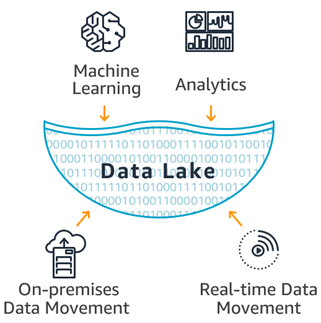
A Data Lake is a centralized repository that allows organizations to store all types of structured and unstructured data at any scale, making it accessible for analytics, machine learning, and other use cases.
1. Data Lake Formation
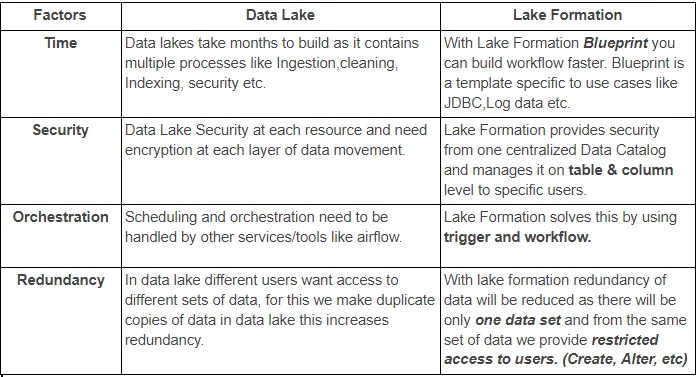
Data Lake Formation is an AWS service that simplifies the creation, management, and security of Data Lakes. It provides tools to easily ingest data, cleanse and catalog data, define secure access controls, and build analytics-ready datasets. It's an integrated service that helps set up data lakes from scratch.
2. Lake Formation Tag-Based Access Control
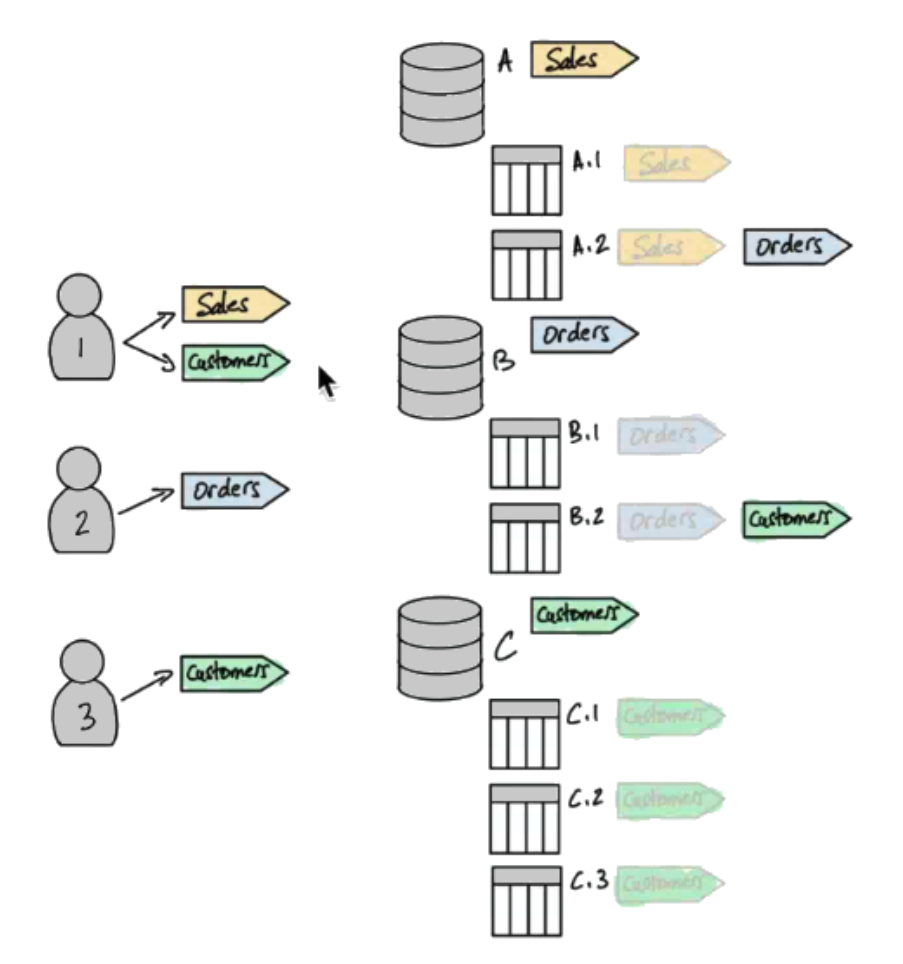
Lake Formation Tag-Based Access Control (LF-TBAC) is to manage permissions in environments with a large number of Data Catalog resources
LF-TBAC uses LF-Tags (attributes) to define and manage permissions on Data Catalog resources (e.g., databases, tables, columns).
How LF-TBAC Works
- Create Attach LF-Tags to Resources
- Grant Lake Formation permissions to principals (users, groups, or roles) based on LF-Tags.
- Access is automatically granted or revoked as LF-Tags/permissions are updated, reducing management overhead.
3. Question
A company stores several petabytes of data across multiple AWS accounts The company uses AWS Lake Formation to manage its data lake The company's data science team wants to securely share selective data from its accounts with the company's engineering team for analytical purposes. Which solution will meet these requirements with the LEAST operational overhead?
- Copy the required data to a common account. Create an 1AM access role in that account Grant access by specifying a permission policy that includes users from the engineering team accounts as trusted entities.
- Use AWS Data Exchange to privately publish the required data to the required engineering team accounts
- Use Lake Formation tag-based access control to authorize and grant cross-account permissions for the required data to the engineering team accounts (
Correct Answer) - Use the Lake Formation permissions Grant command in each account where the data is stored to allow the required engineering team users to access the data.